November 16, 2026—5 min
Transics (tangosf)
1. Fill out this document https://drive.google.com/file/d/1qT0aO3arGrbgDsrm5Of8FEcJYvCDsdBX/view and email it to your Transics manager. If you want to share driver-card tachograph files (DDD) with CO3, also request access to Get_Drivers_V10 and Get_DriverTachoReadoutFiles in it
2. Go to mytransics.com
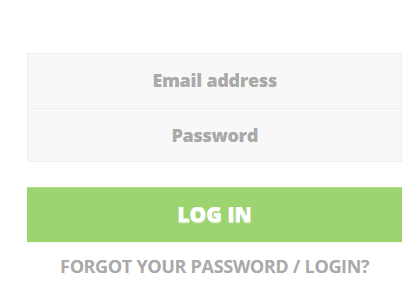
3. Log in to your account
4. Select “Settings”
5. Select “Tracking”
6. Assign vehicles and drivers to CO3 user (use the “Drivers” tab in “Who tracks what”). Assigning drivers is only needed if you want to share driver-card tachograph files (DDD) with CO3
7. Go to the "Telematics" tab on CO3 website and select "Add New GPS Connection" or click the link https://track.co3.io/#/telematic-accounts/create
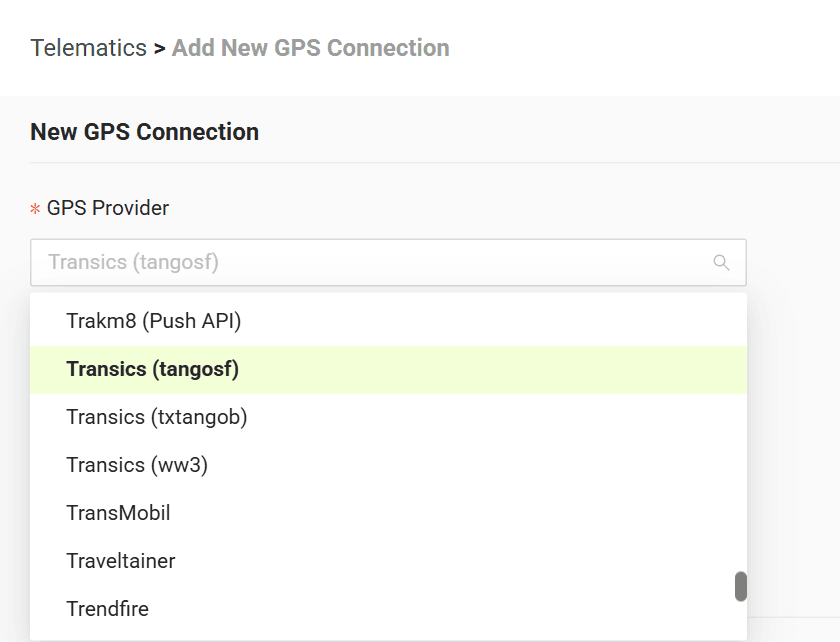
8. Select your GPS provider from the list
9. In the form, enter the access data received from Transics. If you don't know what to enter in “Login” and “Integrator”, enter CO3 in both
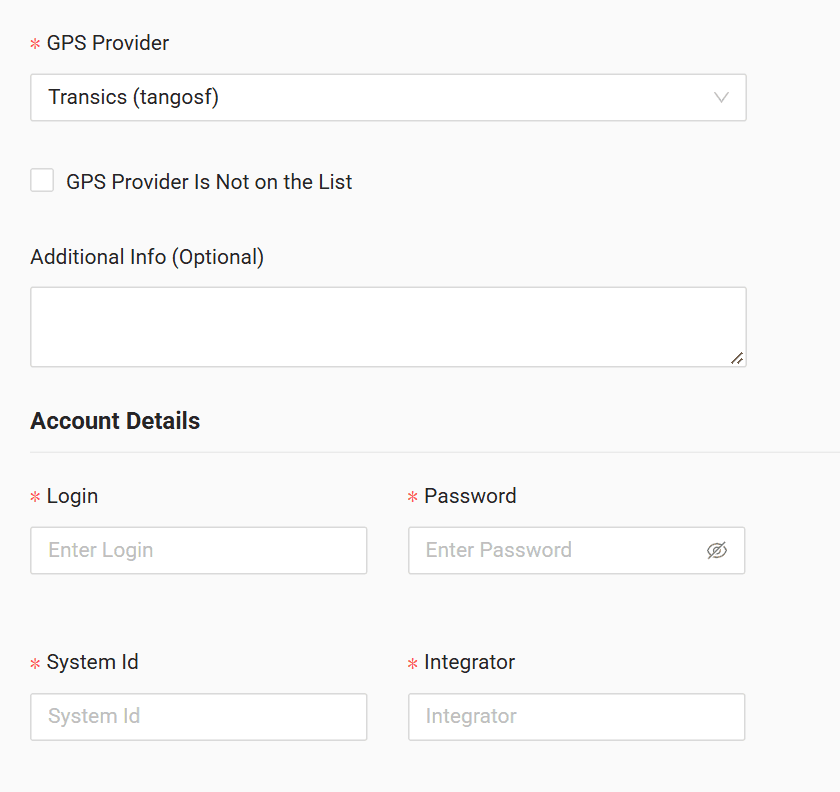
10. Click "Submit"
11. If the access data is correct, the account configuration will be successful
Do you have questions?
Contact us at carrier@co3.io