August 10, 2026—5 min
Тахо Венци (Tacho Ventsi)
1. Contact your account manager on the GPS provider side and ask for the Client ID and the list of your device/vehicle IDs (devices) for CO3
2. Go to the "Telematics" tab on CO3 website and select "Add New GPS Connection" or click the link https://track.co3.io/#/telematic-accounts/create
3. Select your GPS provider from the list
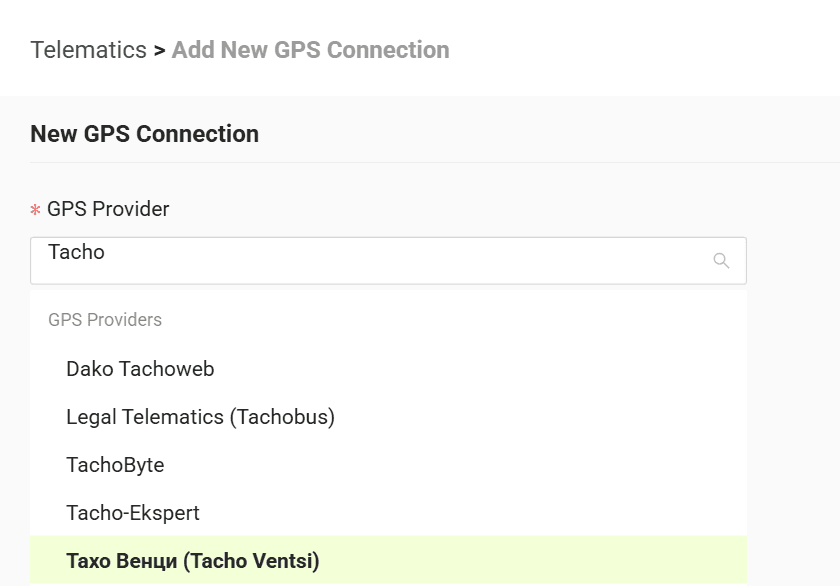
4. In the form enter the data received from your GPS provider: Devices — list of vehicle/device IDs Client ID — your client identifier
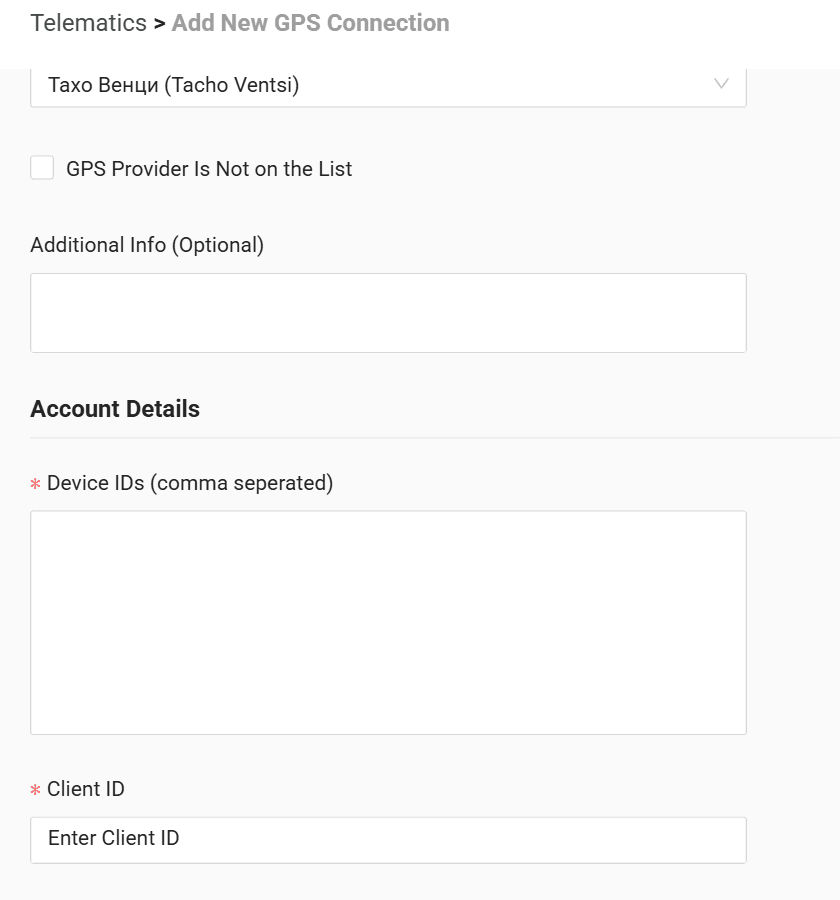
5. Click "Submit"
6. If the access data is correct, the account configuration will be successful
Do you have questions?
Contact us at carrier@co3.io