April 01, 2026—5 min
Intermodal Telematics
1. Contact your account manager on the GPS provider side and ask for the API access data for CO3
2. Go to the "Telematics" tab on the CO3 website and select "Add New GPS Connection" or click the link https://track.co3.io/#/telematic-accounts/create
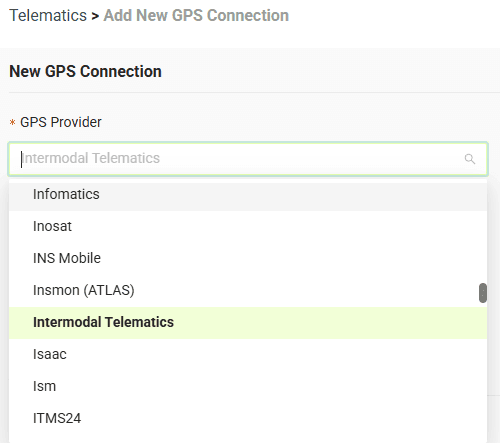
3. Select your GPS provider from the list
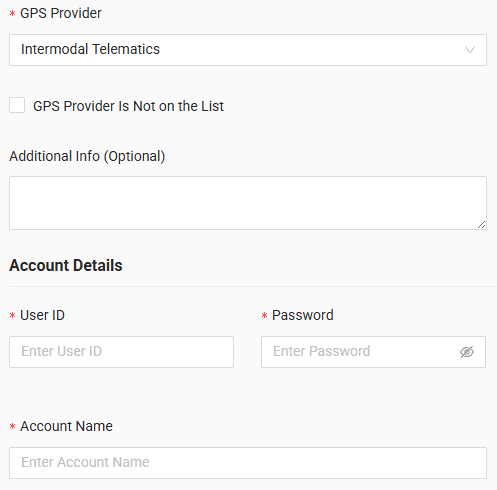
4. In the form, enter user ID, password and account name received from your GPS provider
5. Click "Submit"
6. If the access data is correct, the account configuration will be successful
Do you have questions?
Contact us at carrier@co3.io