July 27, 2026—5 min
Trackitnow
1. Contact your account manager on the GPS provider side and ask for the access data (login, password and Client ID) for CO3
2. Go to the "Telematics" tab on CO3 website and select "Add New GPS Connection" or click the link https://track.co3.io/#/telematic-accounts/create
3. Select your GPS provider from the list
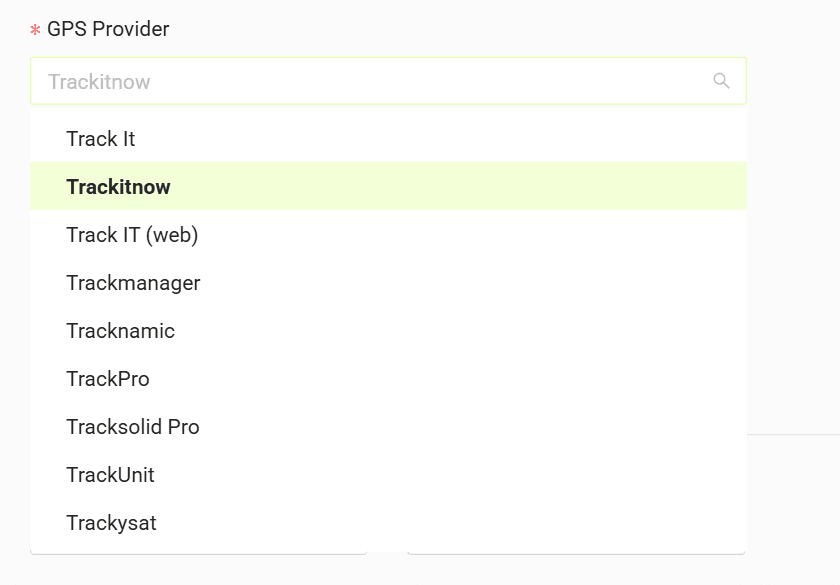
4. In the form enter the login, password and Client ID received from your GPS provider
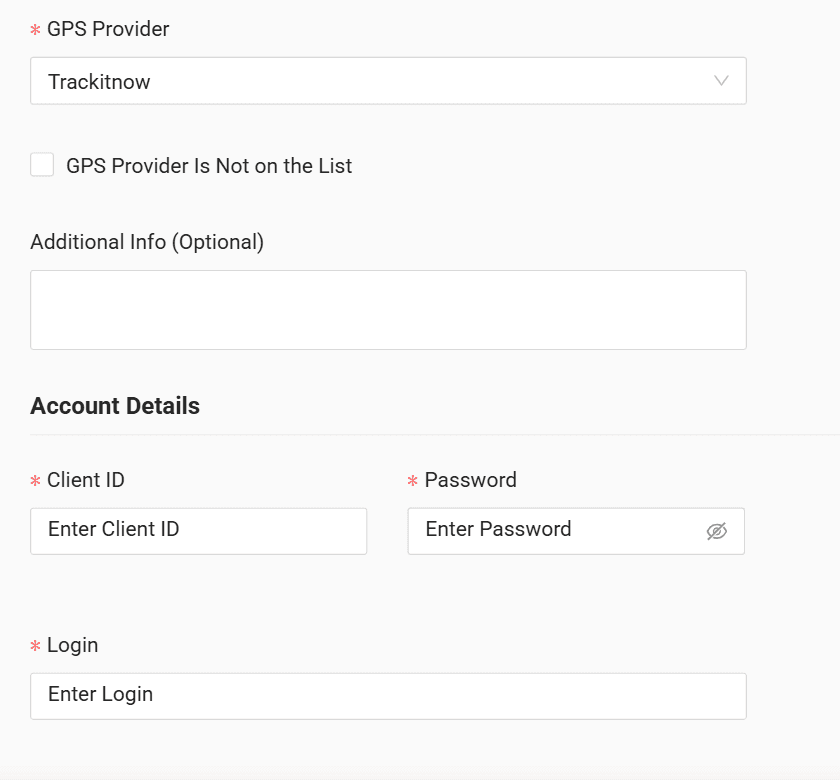
5. Click "Submit"
6. If the access data is correct, the account configuration will be successful
Do you have questions?
Contact us at carrier@co3.io