May 29, 2025—5 min
Tekson
1. Go to https://app.teksonfleet.com/login and log in to your account
2. Go to: Map → Share location, then click "Permanent API access"
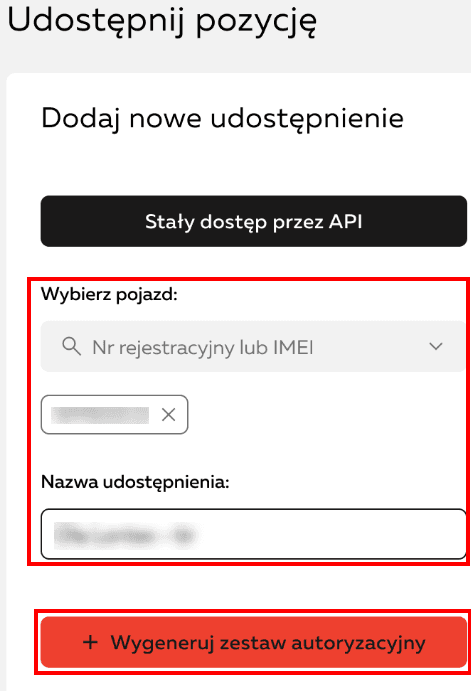
3. In the "Select vehicle" field, find and select the vehicles that should be visible to CO3 (search by registration number or IMEI). Enter a share name, e.g. CO3. Click "Generate authorization set"
4. Copy the generated login and password
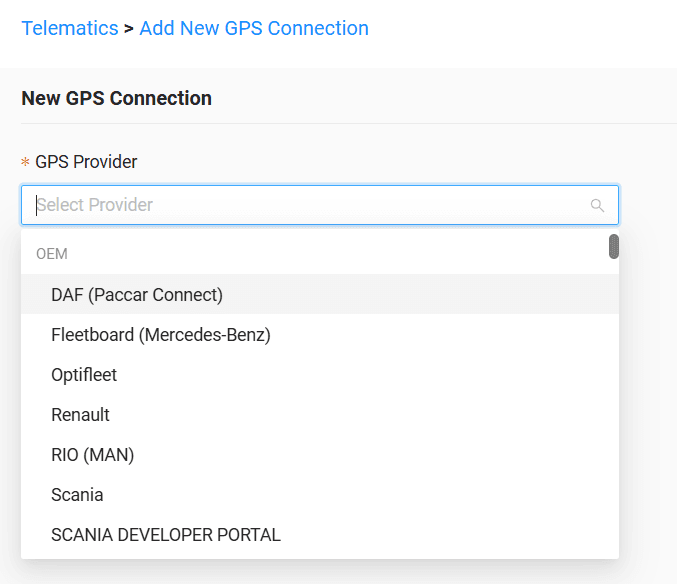
5. Go to the "Telematics" tab in CO3 and select "Add New GPS Connection" or open the link https://track.co3.io/#/telematic-accounts/create
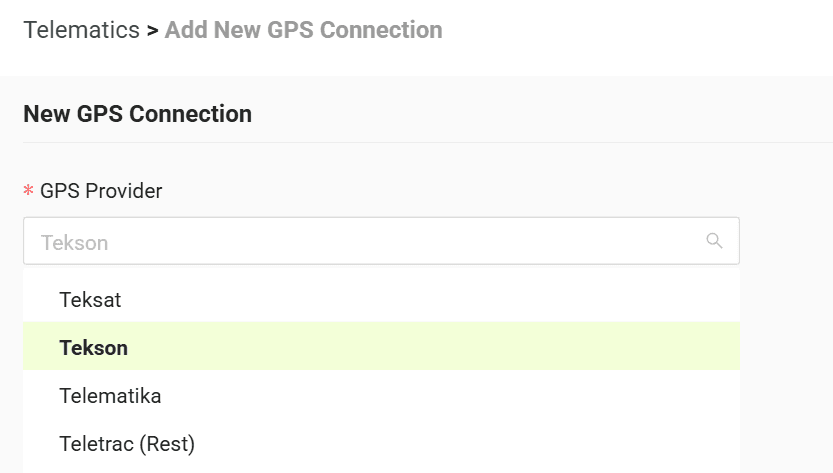
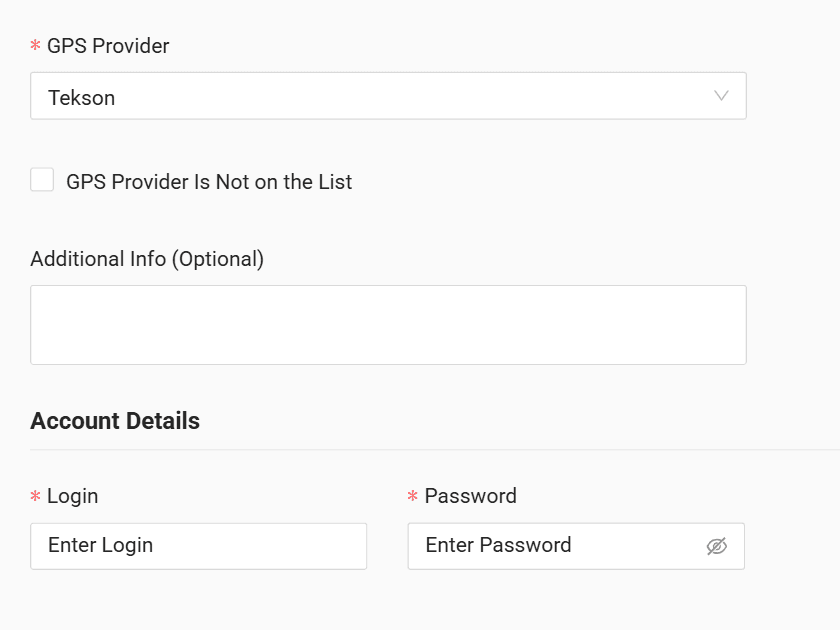
6. Select your GPS provider from the list
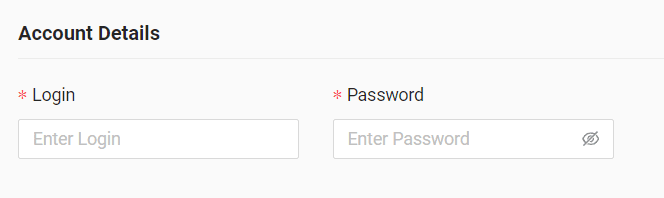
7. In the form, enter the generated login and password
8. Click "Submit"
9. If the credentials are correct, the account configuration will be successful
Do you have questions?
Contact us at carrier@co3.io