July 15, 2026—5 min
S3pweb
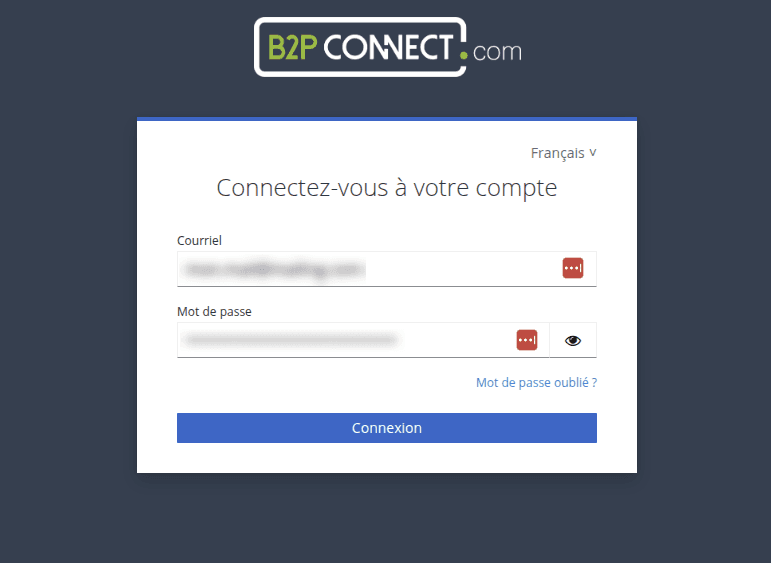
1. Log in to the S3pweb Partners Portal at https://partners-portal.s3pweb.io (use the login credentials provided by S3pweb)
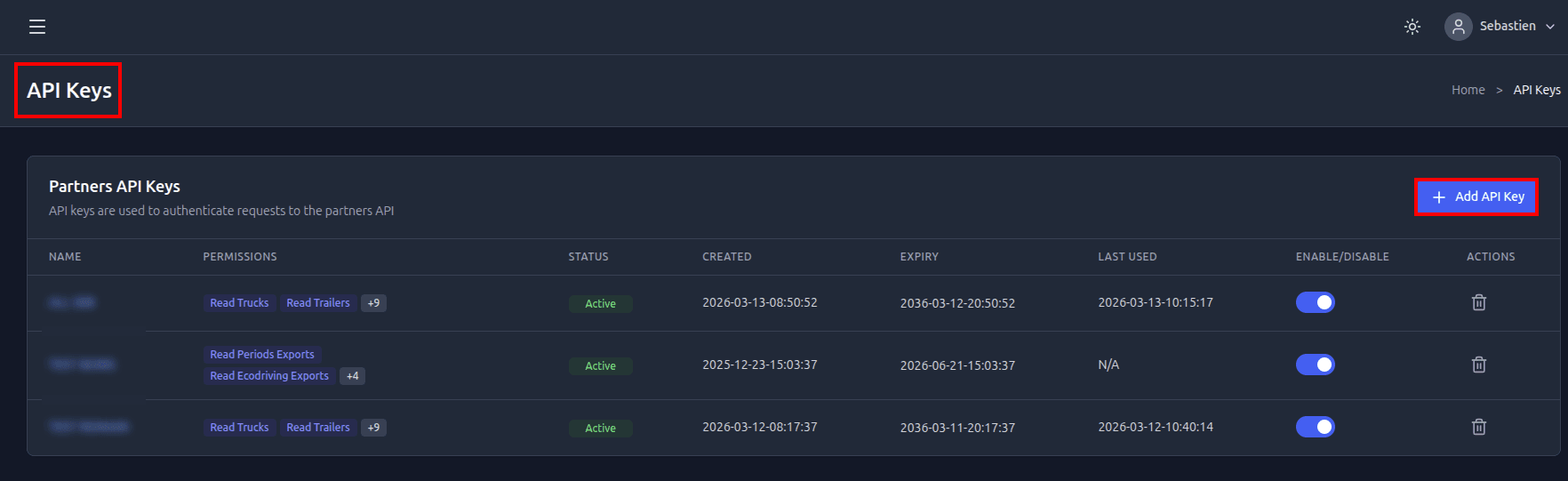
2. Go to the "API Keys" section and click "Add API Key"
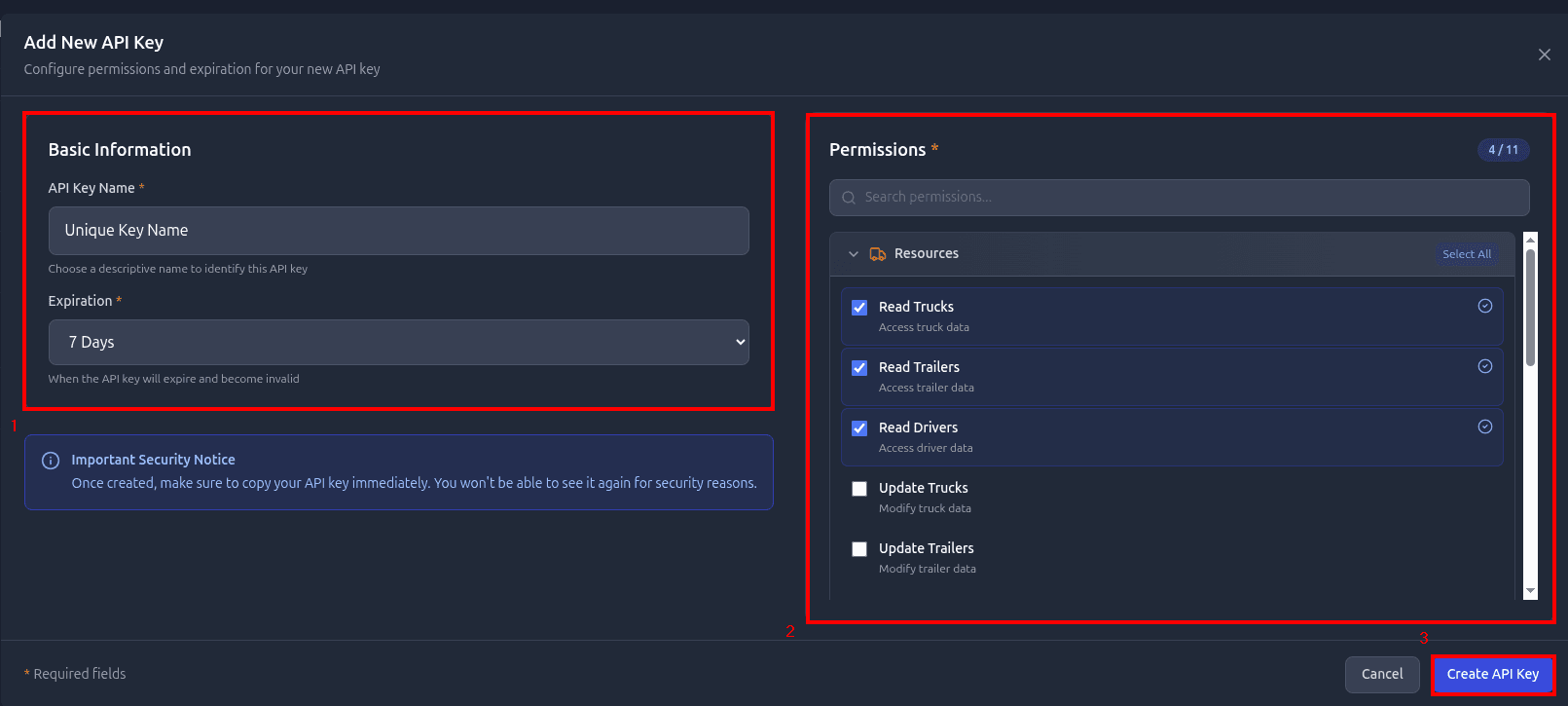
3. Fill in the form: key name, expiration period and the required permissions and click "Create API key"
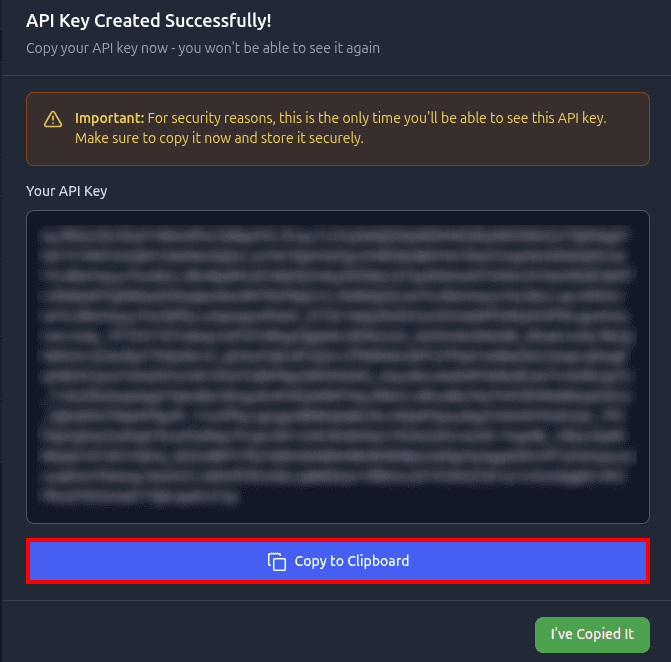
4. Once created, copy the generated API key immediately - for security reasons you will not be able to view it again
5. Go to the "Telematics" tab on CO3 website and select "Add New GPS Connection" or click the link https://track.co3.io/#/telematic-accounts/create
6. Select S3pweb from the list
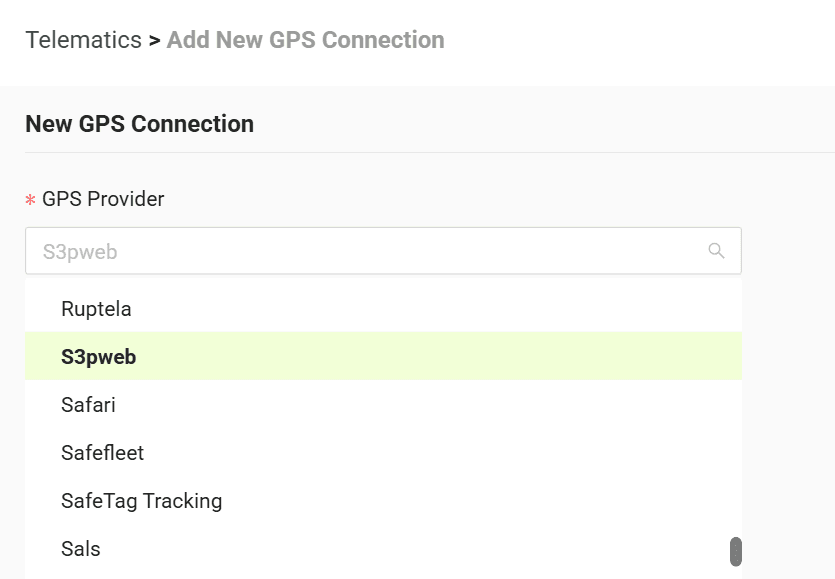
7. In the form paste the copied API key
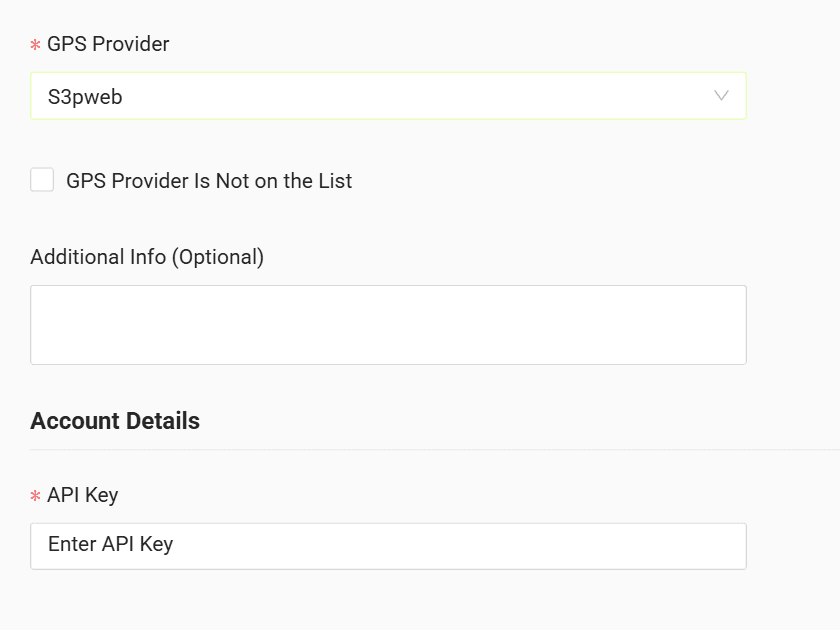
8. Click "Submit"
9. If the access data is correct, the account configuration will be successful
Do you have questions?
Contact us at carrier@co3.io