July 27, 2026—5 min
Lynx (EU)
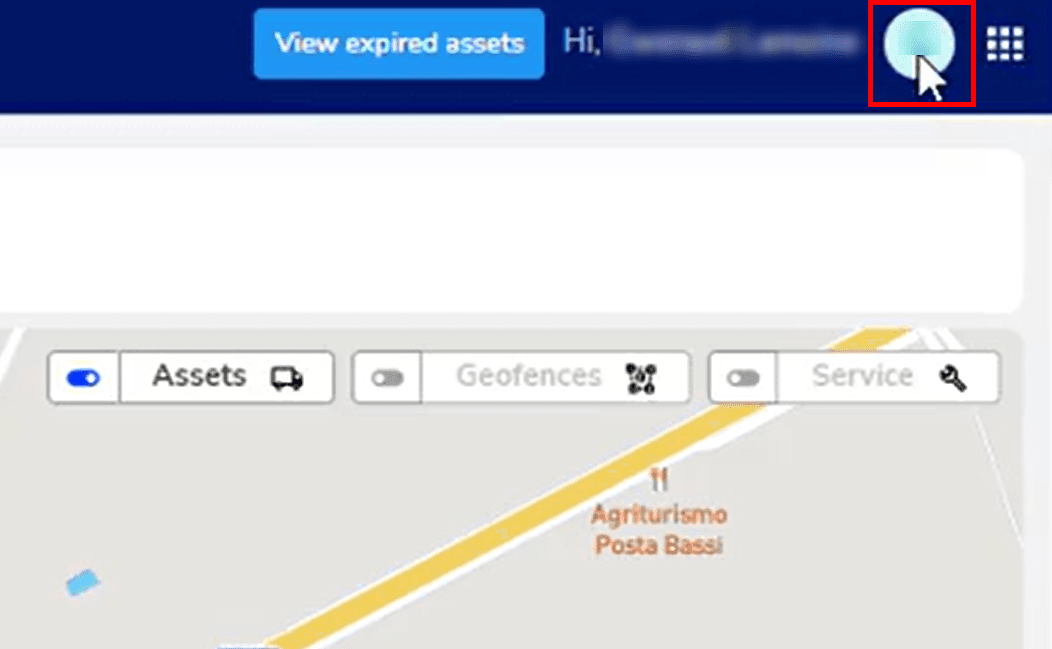
1. Log into the Lynx portal and click the user icon in the top-right corner
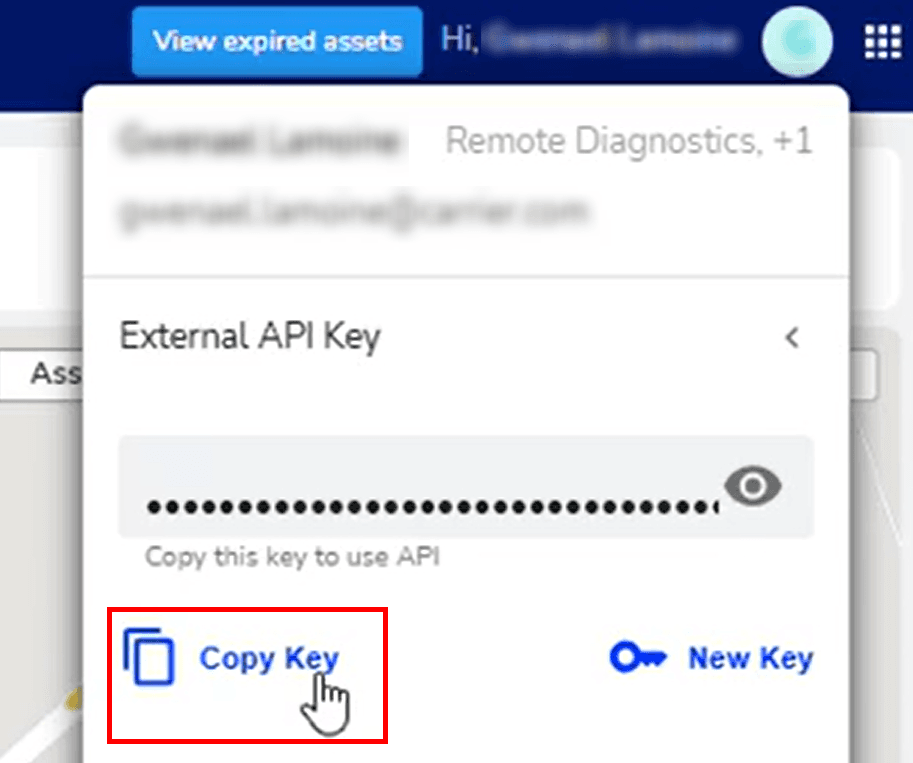
2. Select "External API Key" and click "Copy Key" to copy the API key
3. Go to the "Telematics" tab on CO3 website and select "Add New GPS Connection" or click the link https://track.co3.io/#/telematic-accounts/create
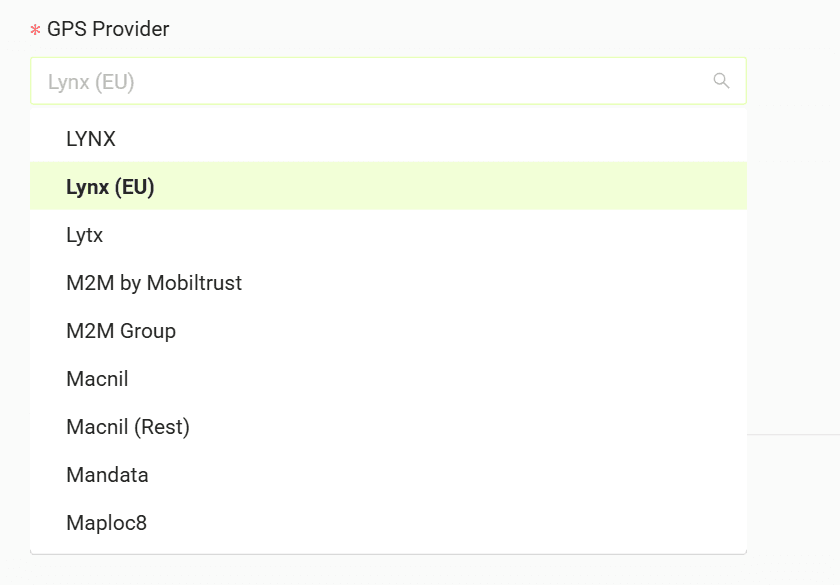
4. Select your GPS provider from the list
5. In the form paste the copied API key
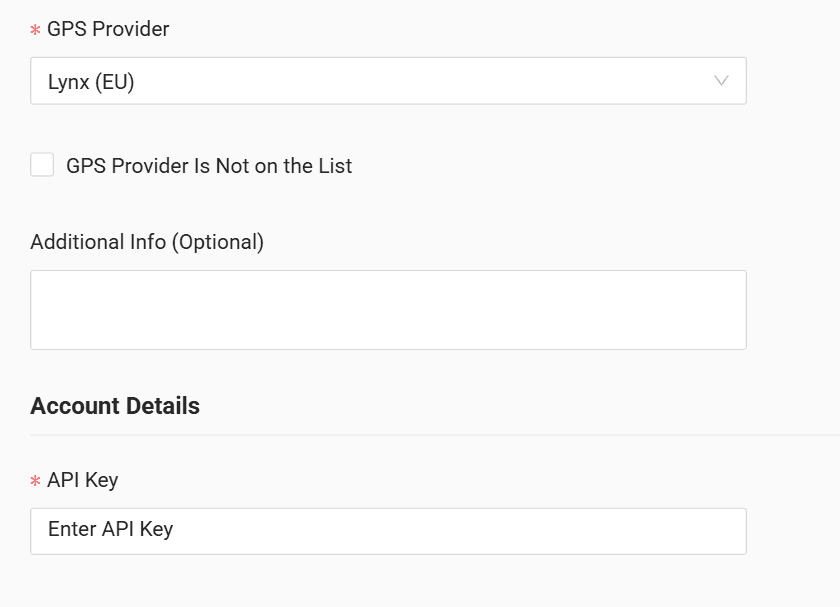
6. Click "Submit"
7. If the access data is correct, the account configuration will be successful
Do you have questions?
Contact us at carrier@co3.io