October 12, 2026—5 min
Fleet Pro
1. Open the link https://hosting.wialon.com/login.html?duration=0 and log in with your Fleet Pro login and password
2. After logging in, copy the API key from the browser address bar: the text after access_token= (without the ending &svc_error=0)
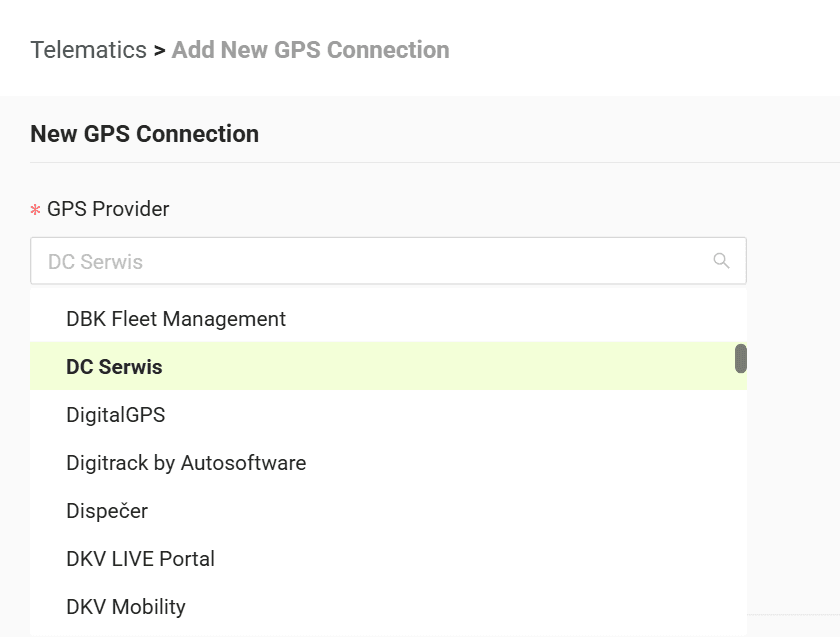
3. Go to the "Telematics" tab on CO3 website and select "Add New GPS Connection" or click the link https://track.co3.io/#/telematic-accounts/create
4. Select your GPS provider from the list
5. In the form paste the copied API key into the "API Key" field
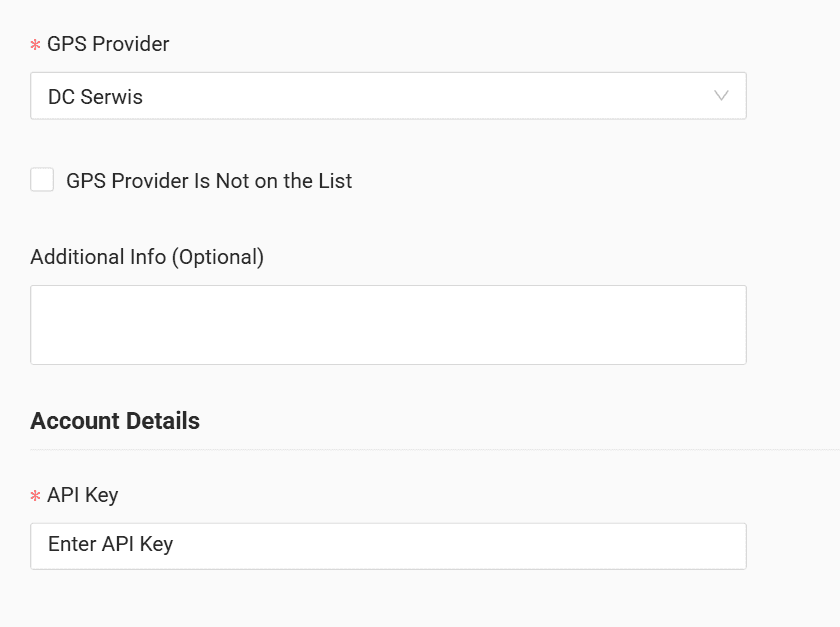
6. Click "Submit"
7. If the access data is correct, the account configuration will be successful
Do you have questions?
Contact us at carrier@co3.io